Invoices in one program, tickets in another, tasks in a spreadsheet, contacts in a phone and attendance on paper. Each program has its own password, its own customer list and its own version of the truth. We built Modulo the other way around: one system, one login, one customer list and modules that know about each other. In this article we show the specific connections that really work in Modulo, and we also say where their limits are.
Why five good programs are not enough
Each standalone program can be excellent. The problem arises between them. A customer writes an email, someone turns it into a task, a technician uses material, a salesperson wants to know whether the company owes anything, and the accountant needs an invoice. If these are four programs, data gets retyped by hand, and sooner or later it falls out of sync somewhere.
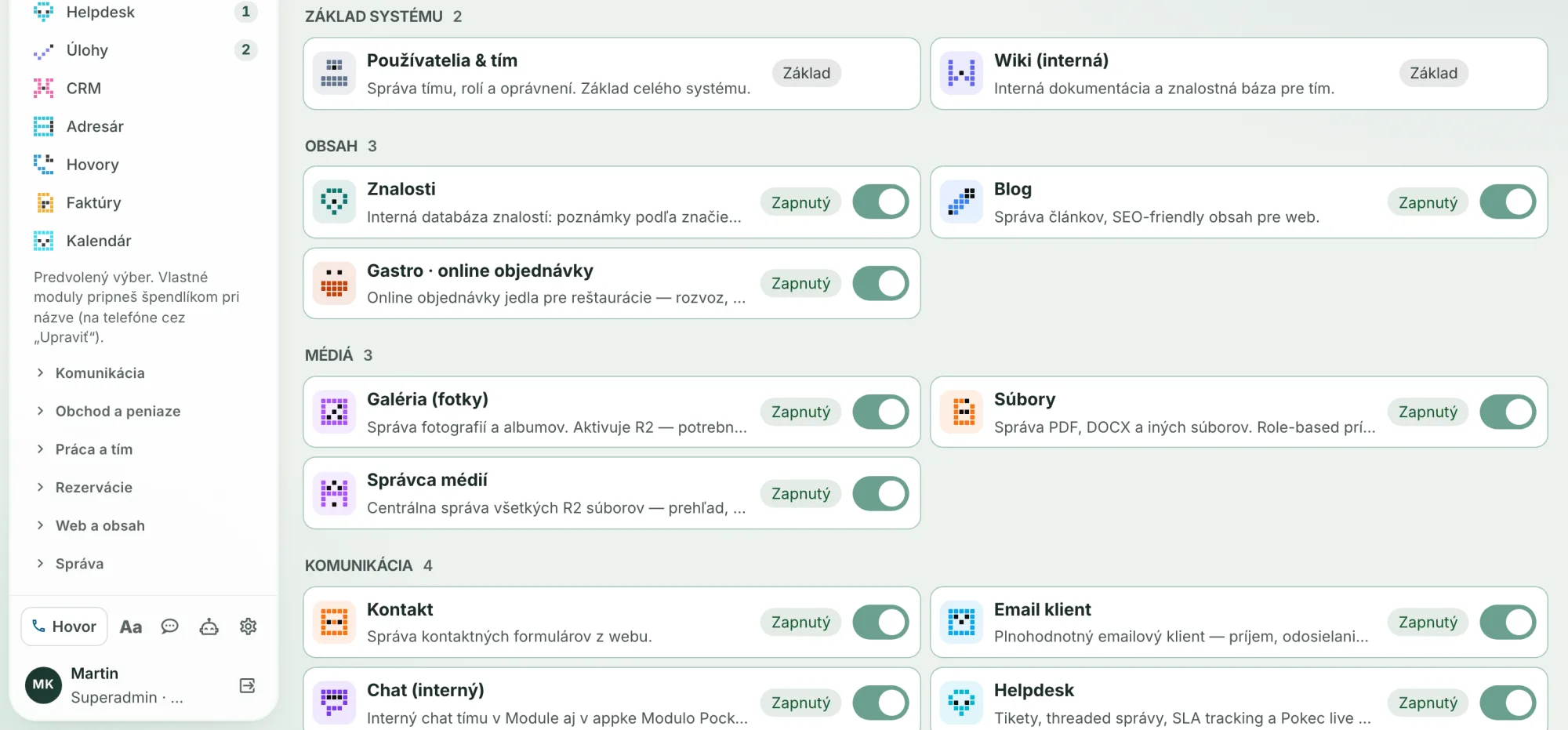
In Modulo, these are modules of one system working on shared data. You turn modules on according to what the company needs. Some modules require others; for example, Helpdesk needs Directory and Contact. You can find an overview of the modules on the Modules page.
One login, permissions by module and action
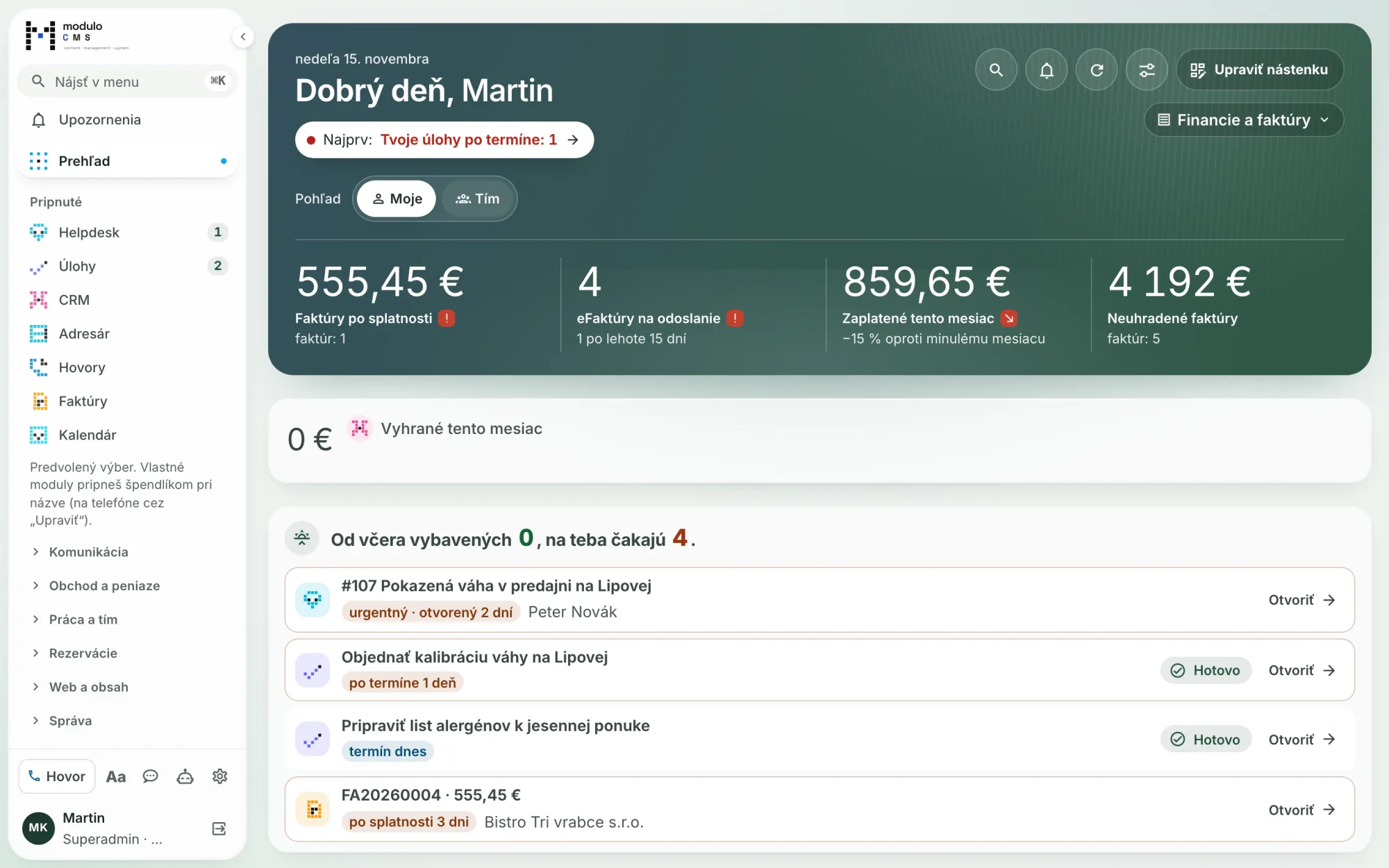
A person signs in to Modulo once and sees in the menu only the modules they have access to. Permissions are set on a role as a combination of module + action: view, create, edit, delete and, for some modules, also manage settings. Helpdesk additionally has separate actions, such as Merge, SLA or AI assistance.
For Helpdesk and other modules you can also set what a person sees: only their own, their team or everything in the company. This restriction applies in lists, in the detail view, in search, in the calendar and in notifications. A salesperson thus sees the tickets they handle or that belong to their deals, and does not have to see the whole company.
The customer is in the system once
The foundation is the Directory of companies and contacts. CRM has no copy of its own of the customers; contacts and companies in CRM are the same records as in the Directory. Helpdesk, Invoices, E-shop and Contracts also connect to the Directory.
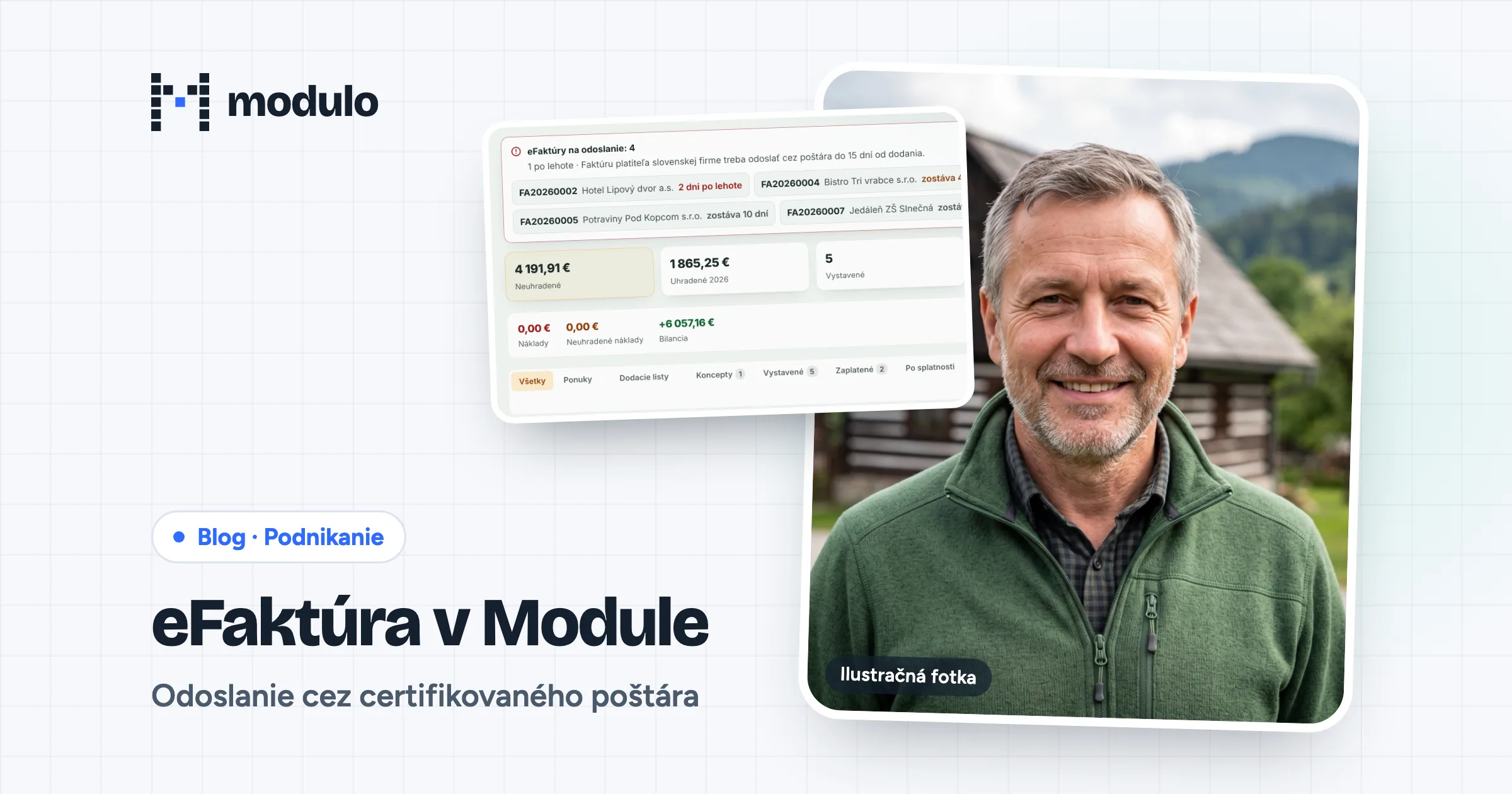
The detail of a company or contact contains an overview across modules: deals, meetings, invoices including unpaid ones, subscription contracts, tasks, tickets, e-shop orders and reservations. Each block is shown only to someone who has permission for that module. A salesperson without access to Invoices therefore will not see invoice amounts.
When the same company turns up twice in the Directory, merging moves all references to the company that is kept: tickets, invoices, cash registers, contacts, calls and more. Nothing is left hanging on a deleted record.
From email to invoice
It is best seen on a single job.
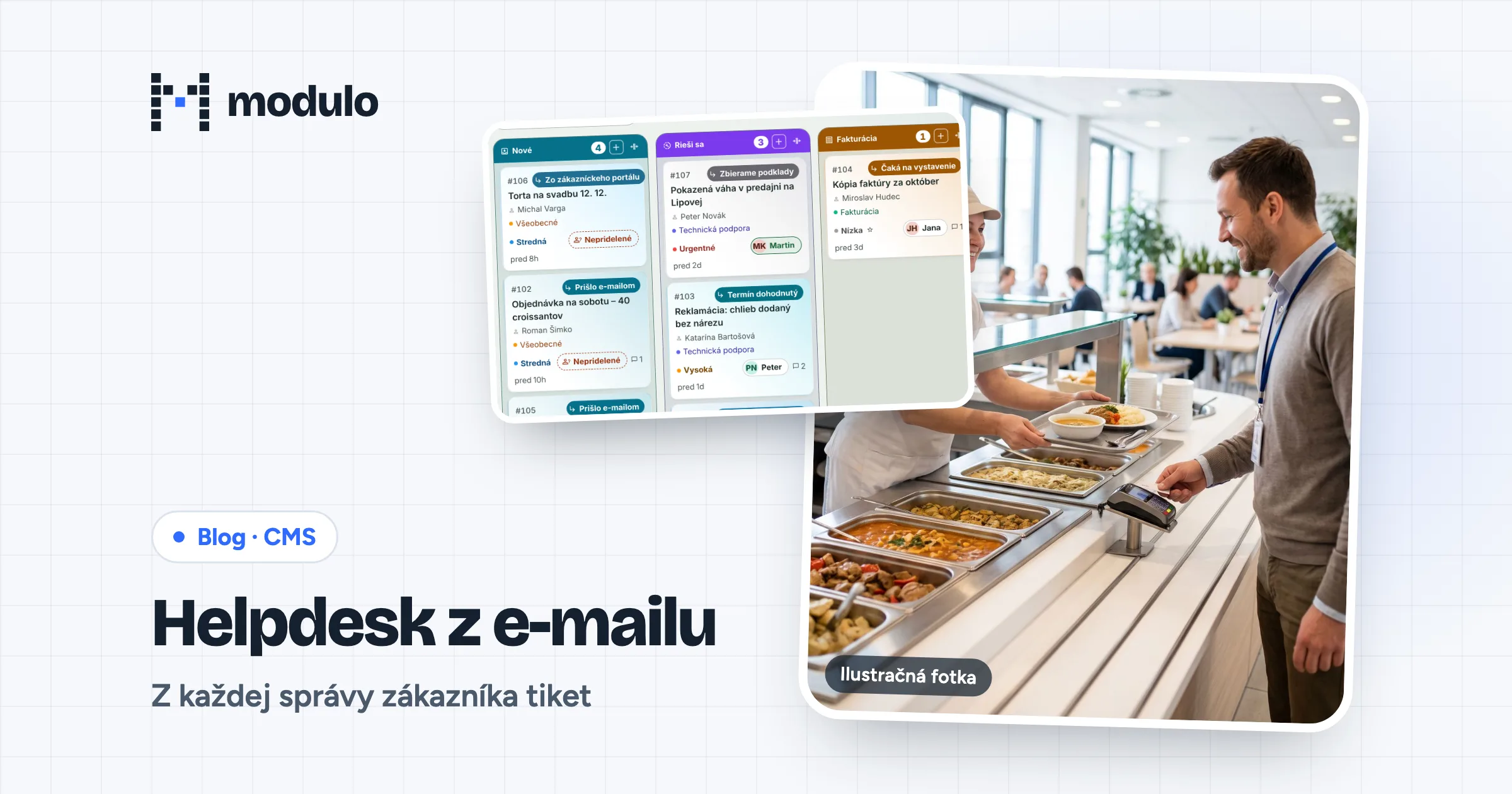
- An email becomes a ticket. A company mailbox connected to Helpdesk creates a ticket from an incoming message. The customer's replies are added to the same ticket. We describe this in detail in the article Helpdesk from email.
- A task from a ticket. You add one or more tasks right in the ticket. A task without its own due date inherits the ticket's due date, and the ticket shows all its tasks.
- Material from Inventory. Both the ticket and the task have a Material and goods card. You pick items from Inventory (even without diacritics and by PLU) or enter them by hand, and you see what is to be invoiced and what has already been invoiced.
- A deal in CRM. If the request could turn into a job, the "Create deal" button creates a deal with the ticket's company and contact, and the ticket is linked to it.
- A price quote. You can create a quote from a ticket as well as from a task. The ticket then shows a list of its quotes.
- An invoice. A ticket can be linked to an invoice from Modulo. Modulo can also prepare draft invoices with a one-sentence command, for example "create an invoice from projects for last month" — from unbilled time, kilometers and material, one draft per customer.
When the customer is in the Directory, the next steps take their details from there — no need to retype the name, company ID (IČO) or email. You add a new sender to the Directory with one click.
Website chat ends up in Helpdesk
When a visitor to a website that runs on Modulo writes in the Pokec chat, a ticket is created in Helpdesk in Modulo. The team replies from the Chat window, where website chats sit together with colleagues' conversations, and the Ticket button opens the full ticket. A conversation from the website thus does not get lost in one person's private window. It stays in the same system as all other requests.
The team's internal chat also has threads on a ticket, task, deal or company. A link to a ticket or task expands in the chat into a card with its status, but only for someone who has permission for that item.
A calendar that rewrites nothing
The company calendar does not copy events from other modules; it reads them directly from the source. Depending on the enabled modules and your permissions, you see ticket and task due dates, CRM activities, approved absences and shifts from attendance, reservations, fleet deadlines, invoice due dates and birthdays of contacts from the Directory. The "Only mine" toggle leaves only what concerns you.
One search: ⌘K
⌘K on a Mac or Ctrl+K on Windows opens one search for the whole system: a ticket (also by its number), a task, a deal, a company, a contact, an invoice, actions and settings. The results contain only what the person has permission for.
From the same field you can also create things with one sentence, such as a ticket, a task, a deal, a price quote or draft invoices. Modulo first shows a preview of how it understood the sentence and creates the record only after you confirm. Nothing is sent to the customer automatically.
Where the limits are
All the connections above work in Modulo today; they are not plans. However, not everything is connected automatically. Modules are turned on as needed, and whatever you do not have turned on will not show up in overviews or in the calendar. If you are dealing with a specific process, for example how goods should move between the e-shop, inventory and accounting, we will go through it with you in advance and tell you exactly what Modulo does on its own and what it does not.
Want to see it on your own data?
If you are interested in how Modulo would connect the programs you use today, write to us. You can find package prices in the store.
Sources
- Modulo changelog, version 2.100.0 (July 22, 2026) — overview across modules in the company and contact detail in the Directory.
- Modulo changelog, version 2.110.0 (September 9, 2026) — tickets from emails, including from IMAP mailboxes.
- Modulo changelog, version 2.136.0 (September 16, 2026) — contacts and companies in CRM are the same records as in the Directory.
- Modulo changelog, version 2.167.0 (September 23, 2026) — calendar sources and the "Only mine" toggle.
- Modulo changelog, version 2.189.0 (September 28, 2026) — links to tickets and tasks in chat only for those with permission.
- Modulo changelog, version 2.194.0 (September 28, 2026) — merging companies moves all references.
- Modulo changelog, version 2.214.0 (September 30, 2026) — ⌘K / Ctrl+K search.
- Modulo changelog, version 2.223.0 (October 7, 2026) — material and goods on tickets and tasks with Inventory.
- Modulo changelog, version 3.5.4 (October 16, 2026) — creating with one sentence and draft invoices.
- Modulo changelog, version 3.9.0 (October 19, 2026) — add an unknown address to the Directory with one click.
- Modulo changelog, version 3.19.0 (October 21, 2026) — website chats in the Chat window.
- Modulo changelog, version 3.20.0 (October 21, 2026) — price quotes from tickets and tasks.
- Modulo changelog, version 3.23.0 (October 22, 2026) — the "Only mine" scope applies across the whole system.
- Modulo changelog, version 3.40.0 (November 9, 2026) — the Merge action in permissions.
- Modulo changelog, version 3.42.0 (November 12, 2026) — a CRM deal directly from a ticket.
- Module overview: modulocms.sk/modules, Helpdesk, CRM, Calendar, Inventory.
- Status as of Modulo version 3.52.0, verified November 15, 2026.