Less work
Edit products, prices and stock once. No copying from the POS into spreadsheets and back.
Integration · Dotykačka
Orders from the web and from the table land straight on the POS and the kitchen gets a ticket. Prices, allergens and stock live in one place, and in the evening you know exactly how the day went. No retyping, no scraps of paper, no “I didn’t see that”.
In short
Modulo is a Slovak business system that connects to the Dotykačka POS through its API. Orders from your website and from the QR code on the table go to the POS as an open bill and to the kitchen as a ticket. You edit products, prices and stock in Modulo and they go to the POS; receipts, sales, tables and reservations from the POS show up in Modulo.
One day at the venue
This is an ordinary day when Dotykačka and Modulo pull together. Everything you see here we tried on a real POS.
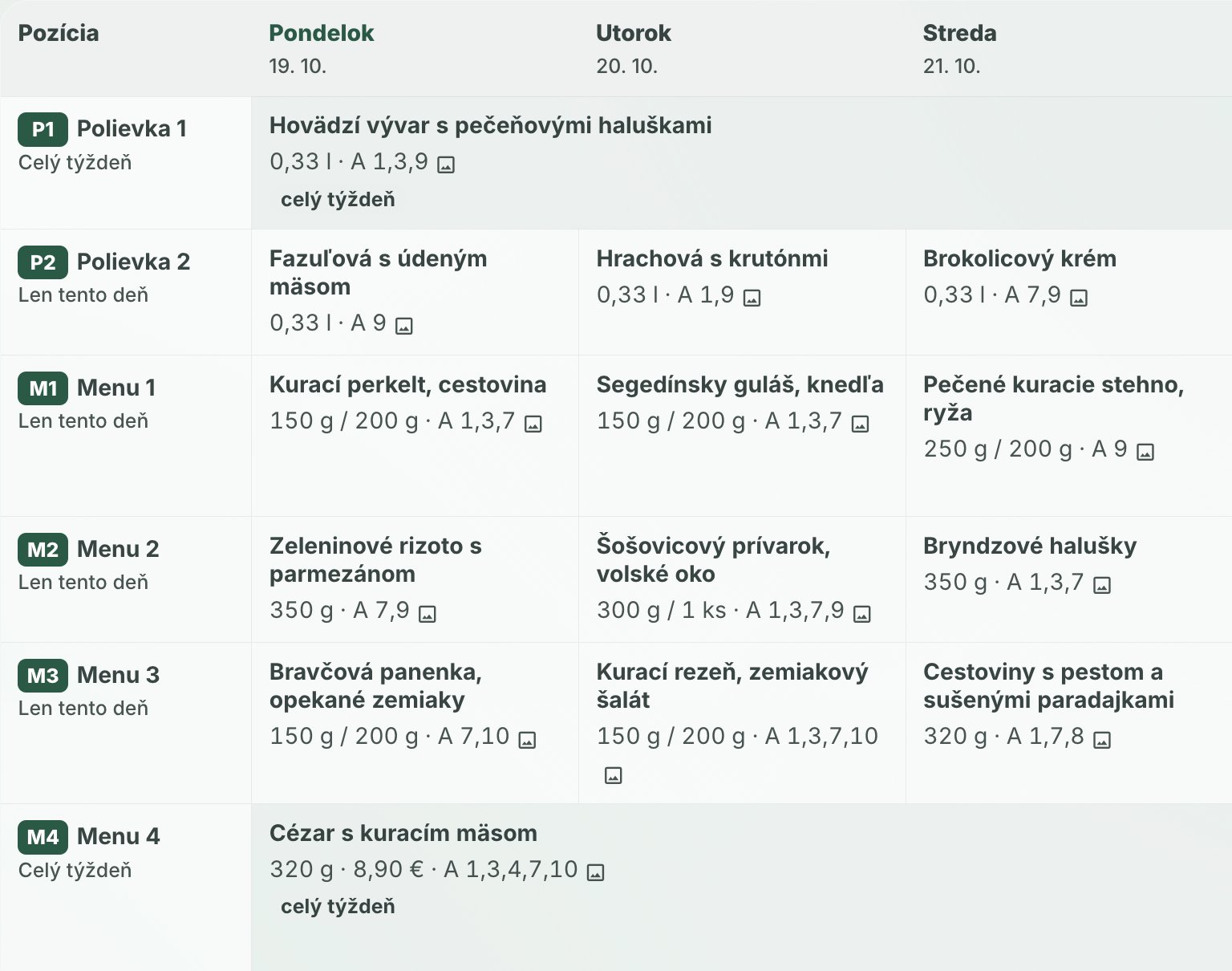
Switch breakfast on and it is on the POS right where staff expect it. Change the cappuccino price once, in Modulo, and it goes straight to Dotykačka — nobody retypes it in three places. In a restaurant the daily menu switches over in the morning too: the fixed M1, M2 … buttons on the POS get today’s dishes and prices. You see today’s reservations and what is left in stock.
Less work: one change, valid everywhere.
 Cappuccino€3.30
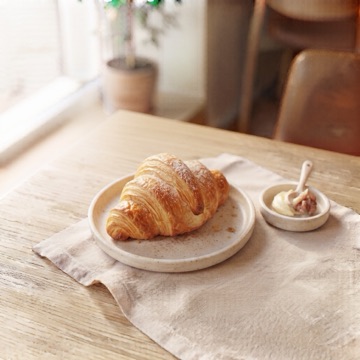 Butter croissant€2.40
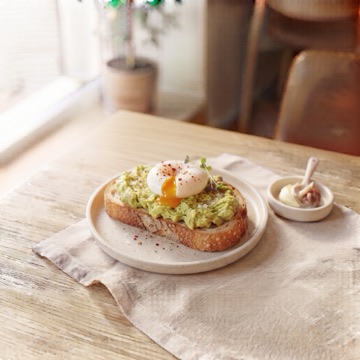 Avocado toast with egg€7.90
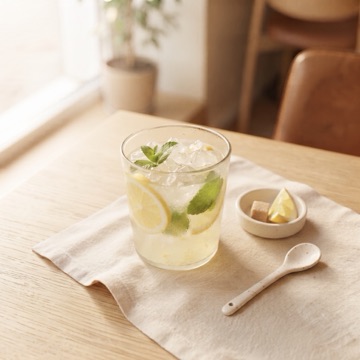 Homemade lemonade 0.4 l€3.80
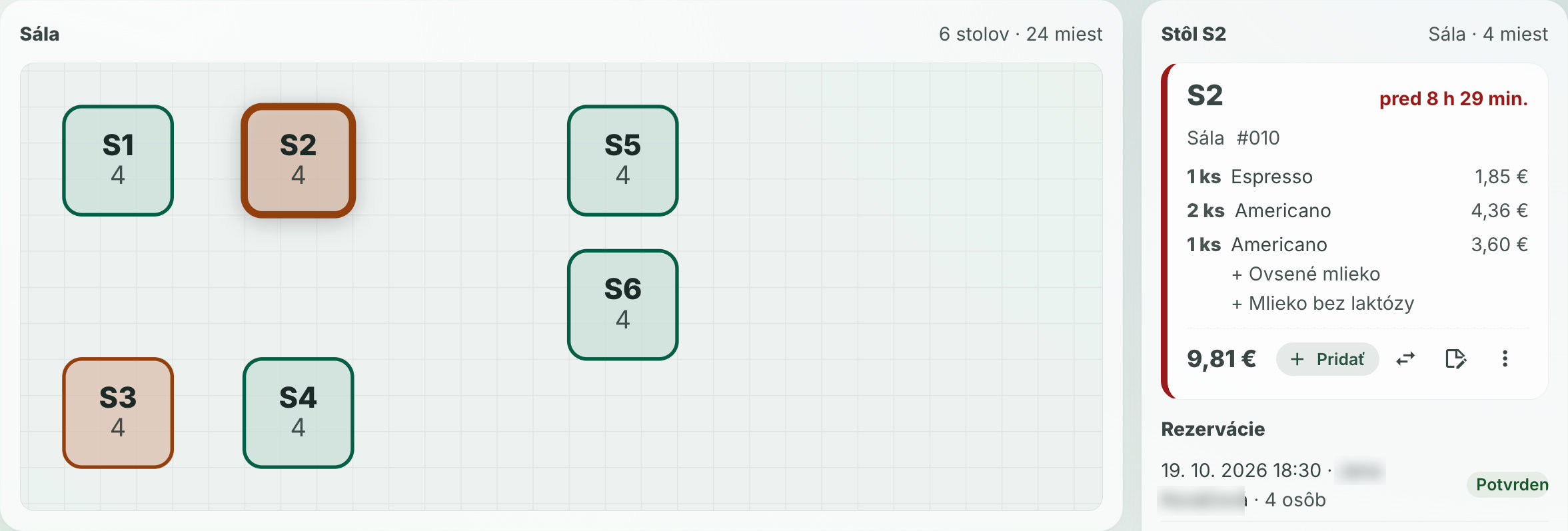
The table map in Modulo is exactly the one you have in Dotykačka. You see at a glance where guests sit, how much is on their bill and how long they have been there — the colour moves from green to red. The owner sees it on the phone too, when not at the venue.
Peace of mind: you know what’s going on even when you’re away.
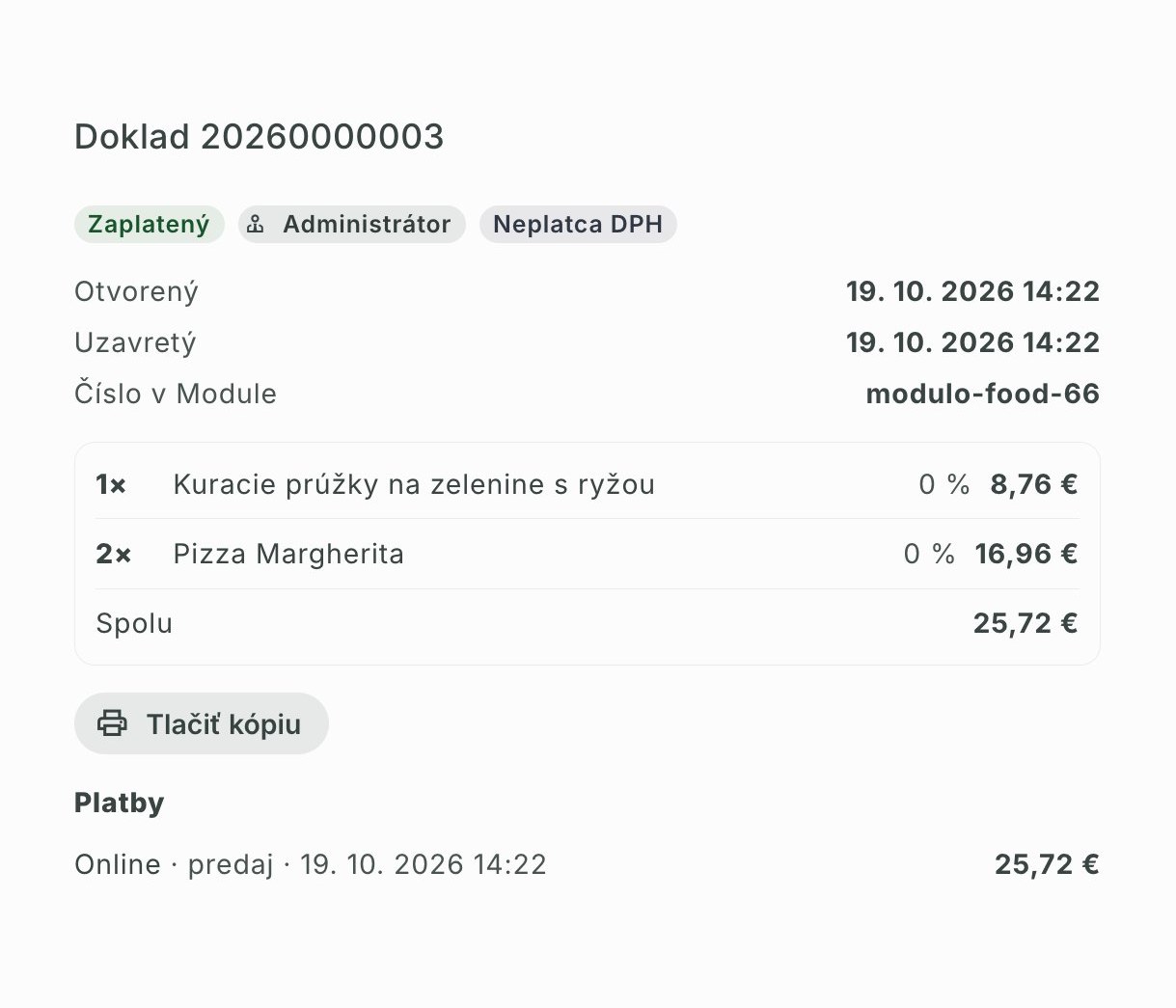
A guest orders on your website or with the QR code on the table. The order arrives in Dotykačka as an open bill — with size and toppings, exactly as if a waiter had tapped it in — and the kitchen printer prints a ticket. Table orders are confirmed by staff first, so nobody orders from someone else’s table.
Fewer mistakes: nobody copies orders from a phone onto paper.
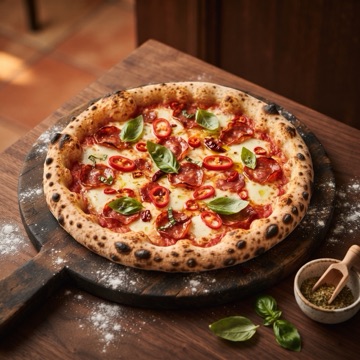
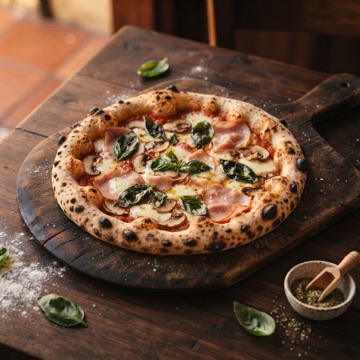
This is a real order from our demo: it landed on the POS as bill 015 and printed in the kitchen.
Remote voids for the owner. Staff at the POS are not allowed to void — you are: while a bill is unpaid, void an item or cancel the whole bill from your phone via Modulo, even when you are not at the venue. Dotykačka does not normally allow this, Modulo does. The kitchen gets a void ticket so it doesn’t cook for nothing, and a guest on the website cannot void anything. And whatever is sold on the POS meanwhile, Modulo knows right away: Dotykačka tells it about the change and Modulo fetches it on its own.
Certainty: nothing gets lost between the counter and the office.
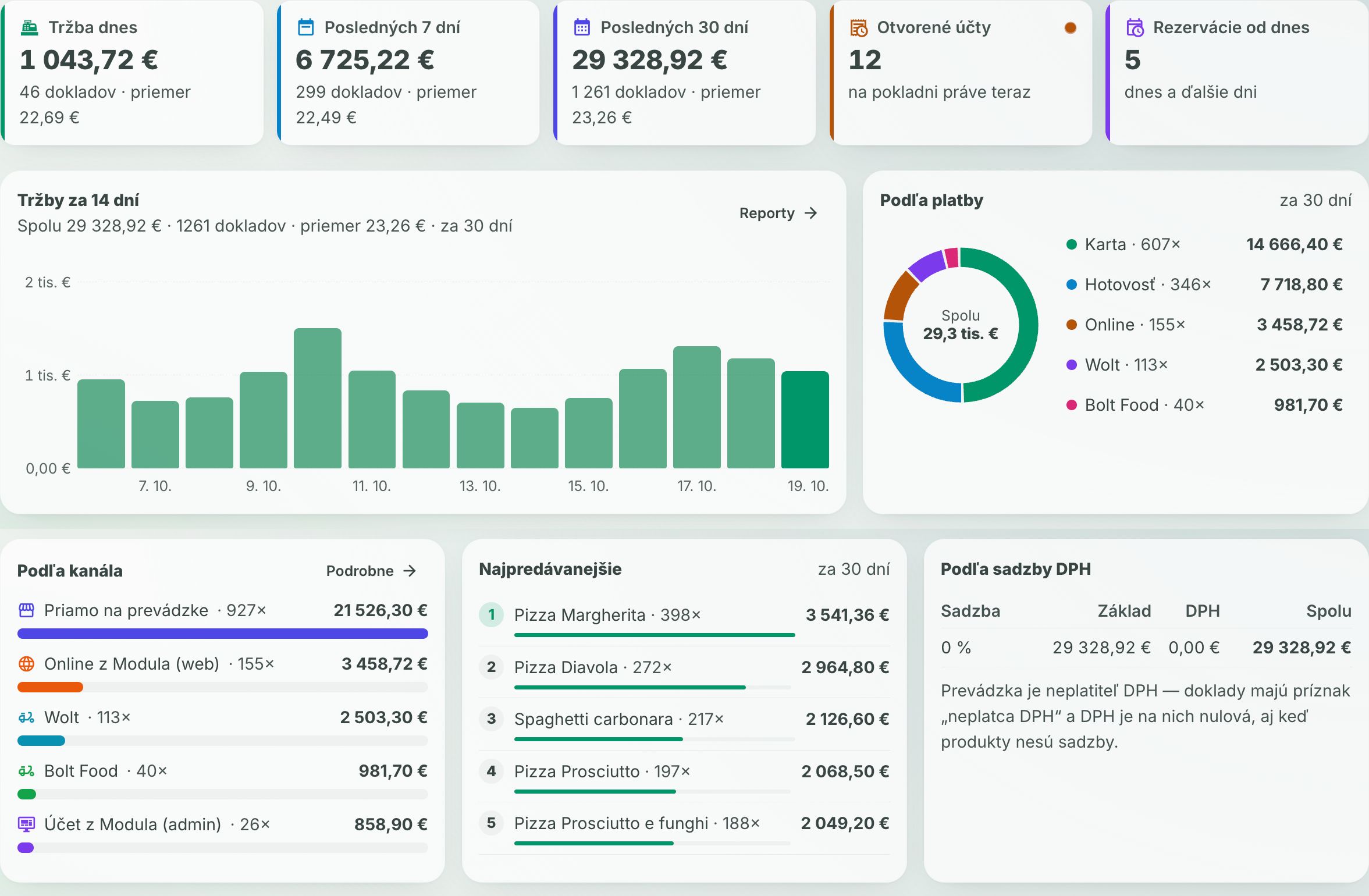
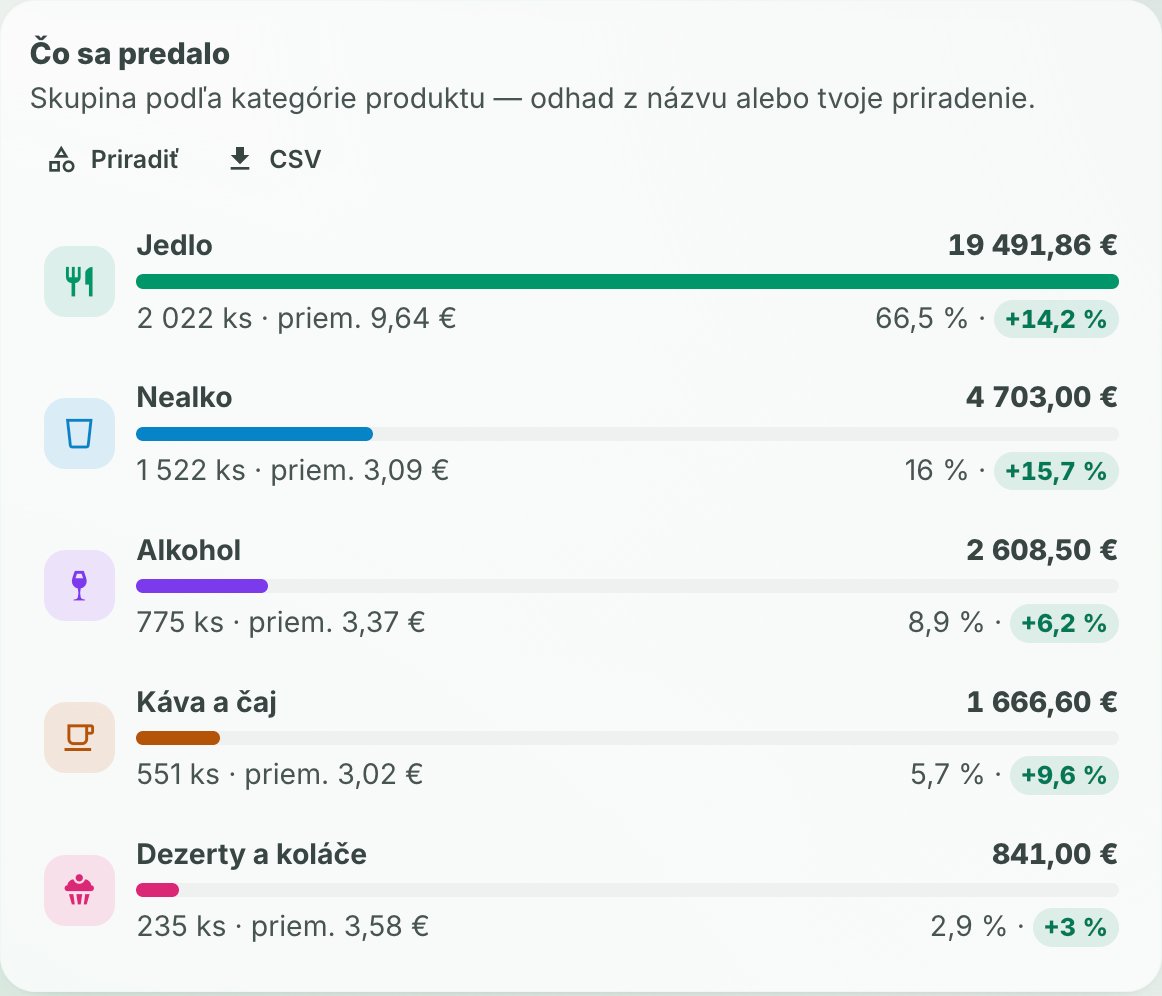
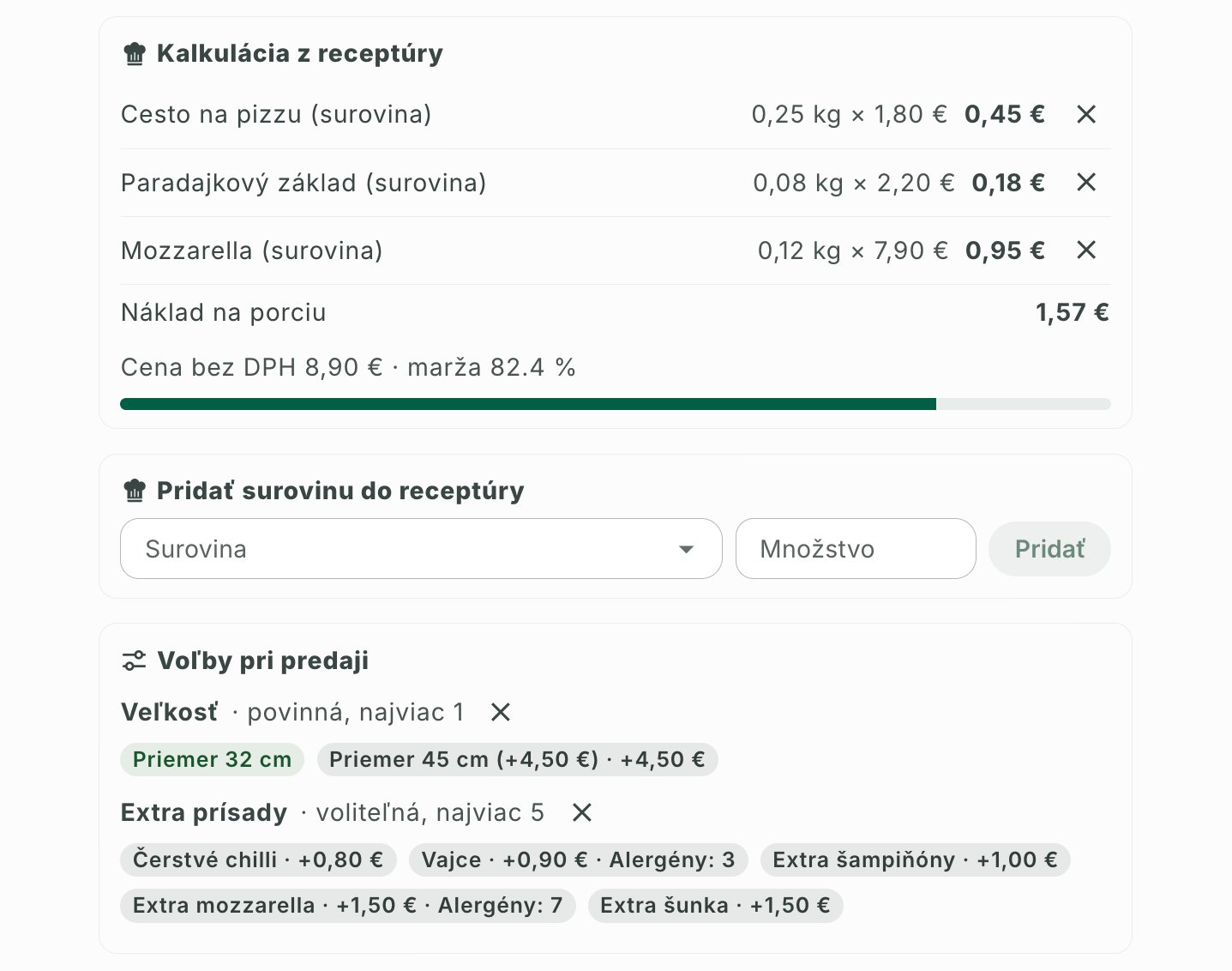
Sales by hour and day, by VAT and payment, receipts with items, best sellers and the margin from the recipe on every portion. Plus what the POS can’t tell you: how much came from the web and how much via table QR, and your own groups — say “breakfast” or “anything with coffee”.
Decide by numbers, not by gut feeling.
What you get
Edit products, prices and stock once. No copying from the POS into spreadsheets and back.
Orders reach the POS with the exact size and toppings, and the price always comes from the POS, not from memory.
Allergens on every dish. Guests hide what they can’t eat, get a safe option (cappuccino with oat drink) and staff see the allergy in the bill note.
A signed QR code on the table, confirmed by staff. Guests don’t wait to be noticed.
Staff at the POS are not allowed to void — you are, from your phone via Modulo, even when you are away. Dotykačka does not normally allow this. The kitchen gets a void ticket; a website guest cannot void anything.
Whatever is sold or changed on the POS, Modulo knows right away — Dotykačka sends a message and the open page refreshes itself.
Sales by channel (POS, web, table QR), by staff member and by your own product groups.
Guests can pay upfront when ordering on the web. In test mode for now.
A weekly plan in Modulo; the fixed P1, P2, M1, M2 … buttons on the POS rename themselves to today’s dishes every day. Print the A4 notice and import the menu from text or PDF.
Live demo
Browse the menu, prices, options and allergens right away. A test order really lands on our test POS and prints in the kitchen — that is why we unlock it on request.
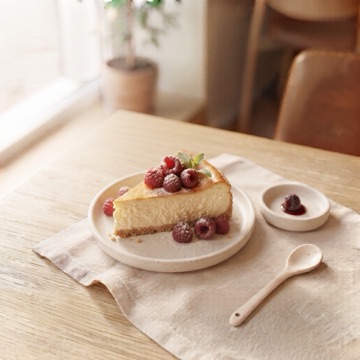
Coffee, cakes and breakfast
Browse the menu
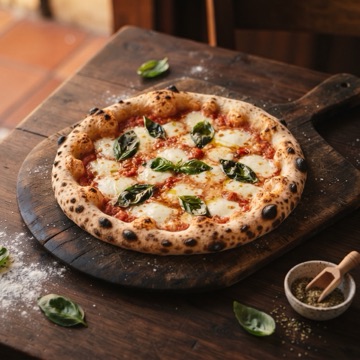
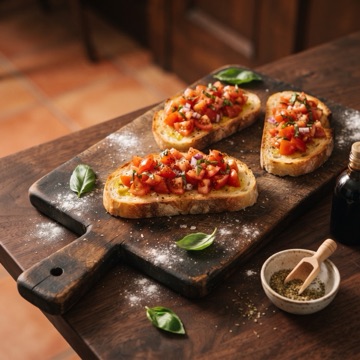
Pizza, pasta and salads
Browse the menu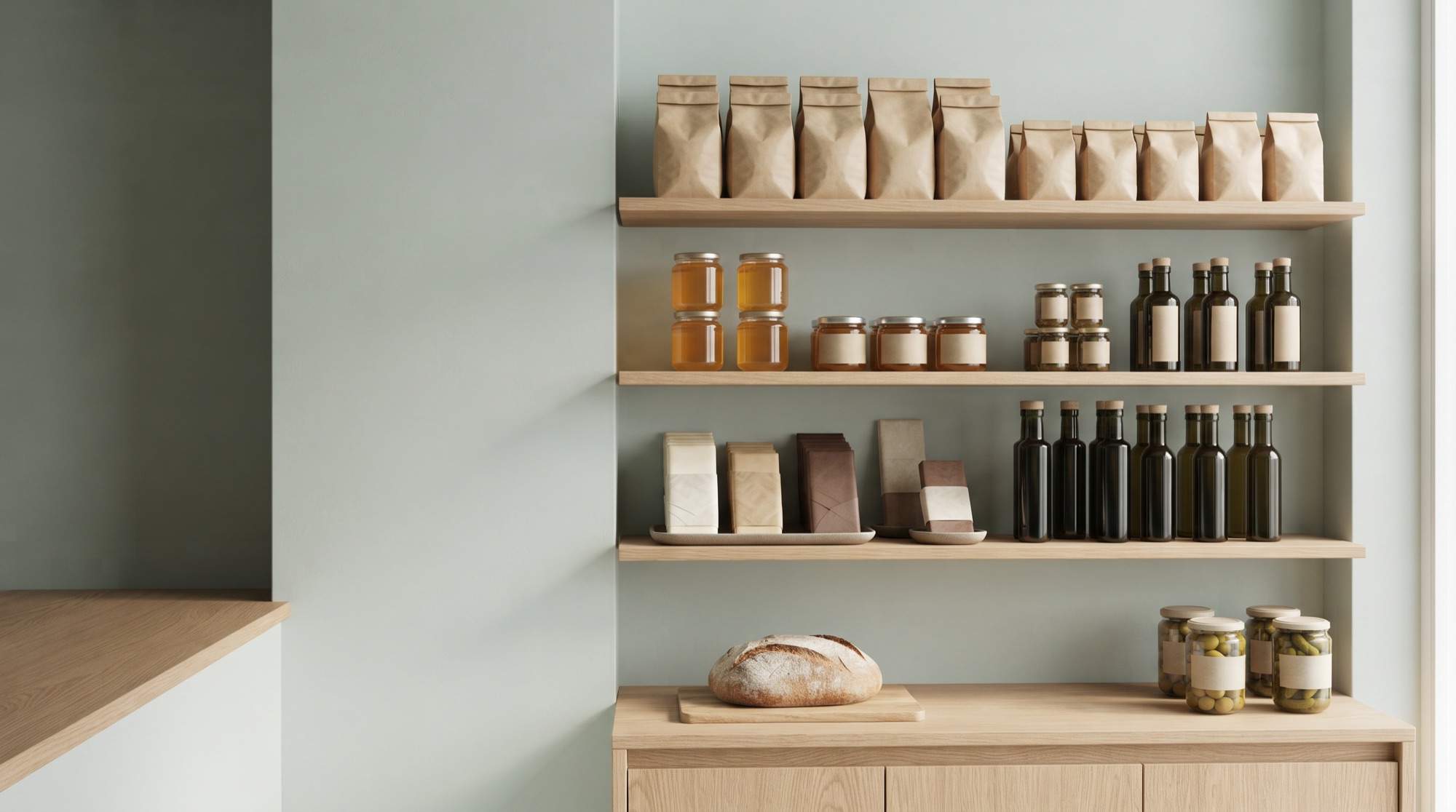

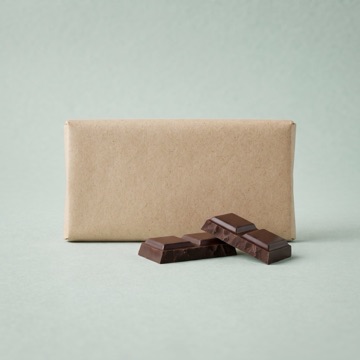
Coffee, tea, pantry and gifts
Browse the menu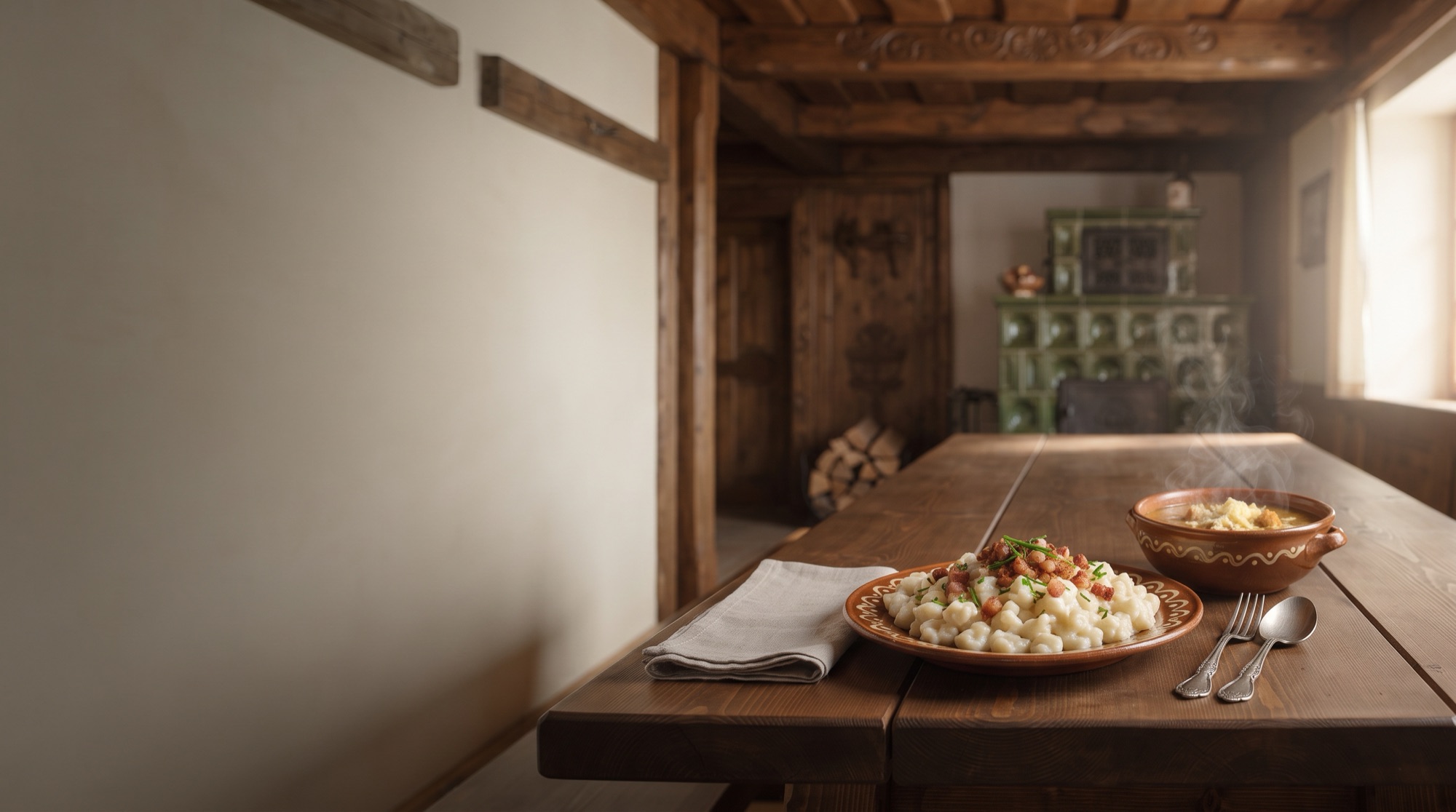
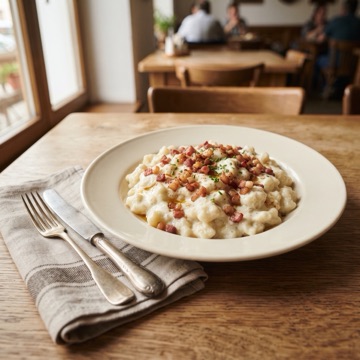
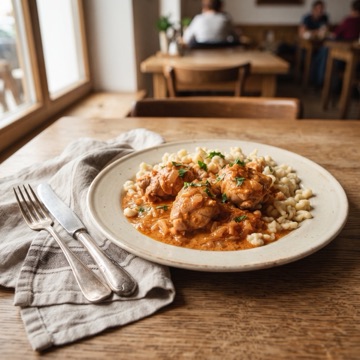
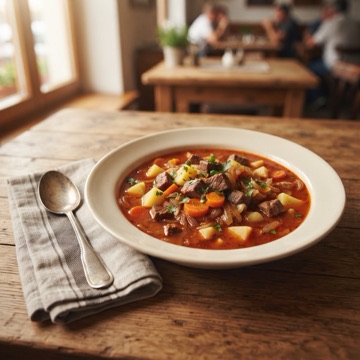
Daily menu, soups and home cooking
Browse the menuIn Modulo

How it works
In Modulo click “Connect Dotykačka”, sign in to Dotykačka and allow access. Modulo never sees your Dotykačka password; the access key is stored encrypted.
Modulo downloads products, stock, tables, customers, reservations and receipts. After that only changes — Dotykačka tells it about them, gently and within the limit it allows.
Work wherever suits you. What you change in Modulo goes to the POS; what is sold at the POS shows up in Modulo.
Plainly
is drawn in Dotykačka. Modulo reads and shows it but cannot change it (Dotykačka does not allow that over the connection).
are done by staff at the POS. Modulo only shows them. A paid receipt is voided on the POS.
is handled by the Dotykačka POS. If the POS has eKasa active, a receipt issued from Modulo is a real fiscal receipt — that is why this option is off by default.
FAQ
Didn’t find your answer? Write to us in the chat — we’ll see you are writing from the Dotykačka page.
Modulo connects to your Dotykačka POS and adds what the POS doesn’t have on its own: online orders from your website and via the QR code on the table, remote voids for the owner, allergens for guests, a daily menu, recipe costing and reports by sales channel. Edit products, prices and stock once in Modulo and the change goes to the POS; receipts, sales, tables and reservations from the POS show up in Modulo.
A guest orders on your website and the order arrives in Dotykačka as an open bill — with size, toppings and a note, exactly as if a waiter had tapped it in. The kitchen printer prints a ticket and the bill is paid at the POS as usual. Modulo can also issue and settle the receipt directly in the POS when the order is handed out; this option is off by default, because with eKasa active it is a real fiscal receipt.
Yes. Each table has a signed QR code that cannot be guessed or rewritten to another table. Staff confirm the first order from a device, so nobody orders from someone else’s table. When you generate a new QR code, the old one — even a photographed copy — stops working.
Yes, by the owner. While a bill has not been issued, you void individual items or cancel the whole bill from Modulo — even from your phone when you are away. Dotykačka does not normally allow this. The kitchen gets a void ticket, a website guest cannot void anything, and a paid receipt is voided on the POS.
Allergens come from Dotykačka as EU numbers 1–14 and are shown with every dish. On the website a guest picks what they are allergic to: unsuitable dishes are hidden, a dish that can be adjusted gets a safe option (for example a cappuccino with oat drink), and dishes with missing allergen data are never offered as safe. Staff see the allergy in the bill note.
Yes. You plan the daily menu in Modulo by positions (soups, Menu 1, Menu 2 …) for a day, a week or a longer period, with one-day exceptions, a shared menu price, soup included and packaging. The POS has fixed P1, P2, M1, M2 … buttons that rename themselves to today’s dishes with today’s price every day — staff always tap the same spot. Guests order today’s menu on the website, you print the A4 notice, and the menu can be imported from text or PDF.
Right away. Dotykačka sends Modulo a message (webhook) when a product, bill, reservation, customer or stock changes, and Modulo fetches the change on its own — an open page refreshes itself. Alongside that, a gentle sync runs within the limit Dotykačka sets for its API.
Sales by hour and day, by VAT and payment method, receipts with items, best sellers and the margin from the recipe. Plus what the POS can’t tell apart on its own: how much came from the web, via table QR and via delivery platforms (Wolt and Bolt Food by payment or note), sales by staff member and by your own product groups.
Card payments, closing, cash and eKasa are done by the POS — Modulo only shows them. The table layout is drawn in Dotykačka (Modulo shows it but cannot change it over the connection) and a paid receipt is voided on the POS. Modulo does not replace the POS, it extends it.
In Modulo click “Connect Dotykačka”, sign in to Dotykačka and allow access. Modulo never sees your Dotykačka password and the access key is stored encrypted. You can browse the demo menus right on this page; we unlock the live demo, where an order really lands on our test POS, on request.
We connect it, walk through one day of your venue with you and set up what should flow where.