A lot can be handled by a Modulo module that you turn on in the settings and open in the browser on your computer or phone. Sometimes, though, a technician needs a phone that tracks kilometers, a shop needs a tablet nobody can close, or an office needs a program that prints. That's when a custom app makes sense. Here is when to reach for which option, and what actually runs on top of Modulo already.
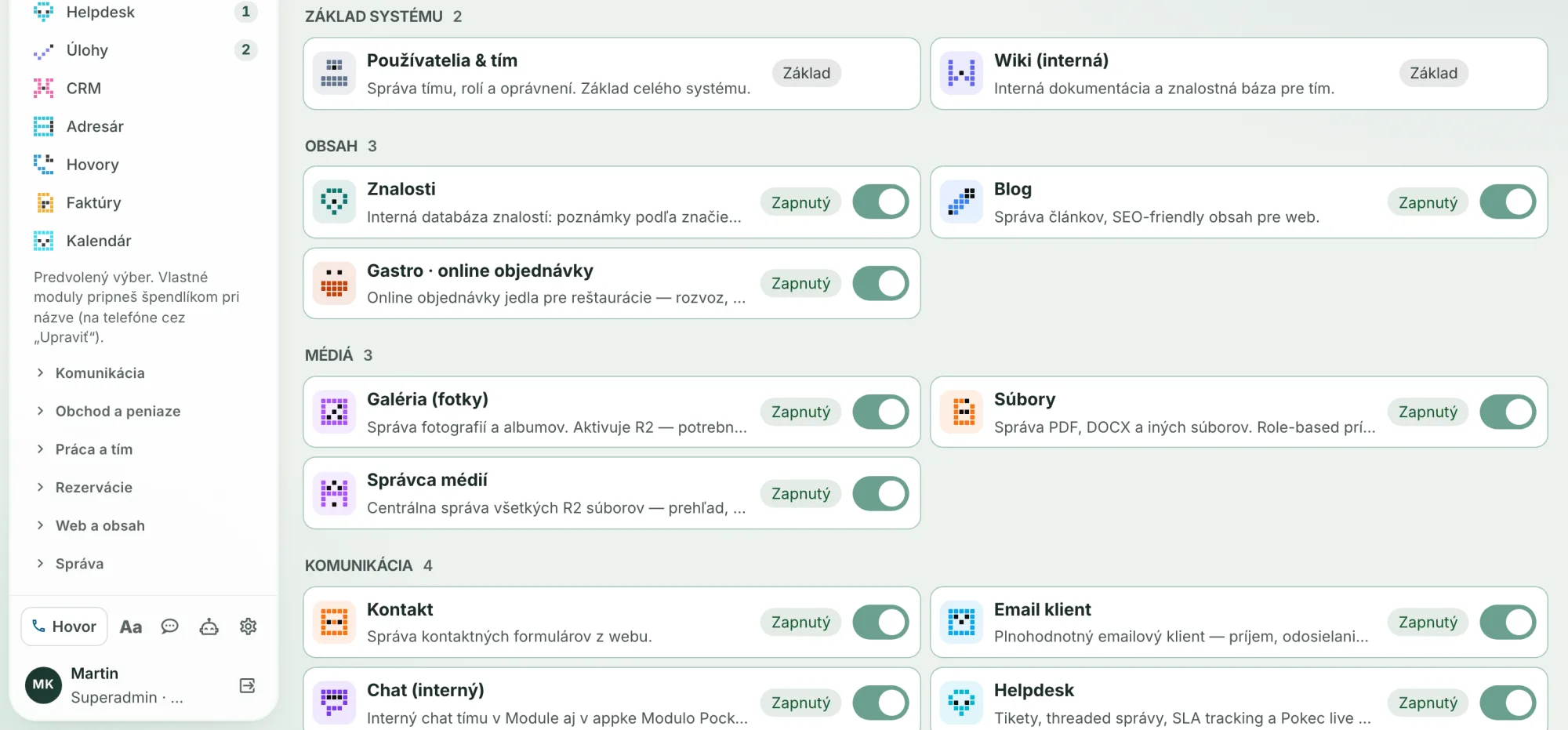
When a module is enough
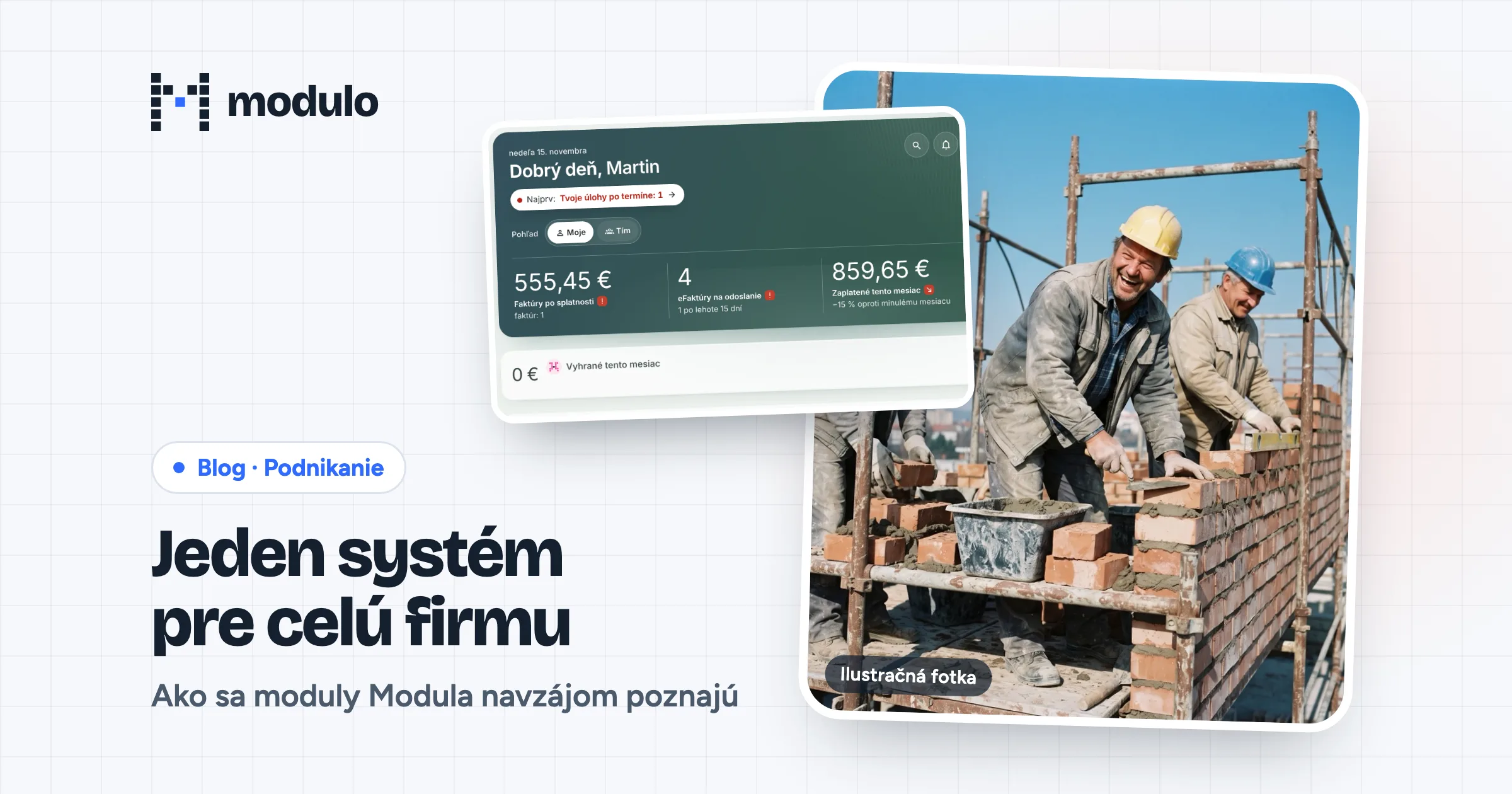
Modulo is a web application. You turn modules on based on what the company uses, and with several companies, separately for each of them. In version 3.51 we adapted the admin for phones: tasks, tickets, CRM contacts and invoices appear as compact rows with larger touch targets.
A module is usually enough when:
- you work with the data at a desk, or occasionally from a phone in the browser,
- you don't need anything from the device, such as location, the camera or a printer,
- you work online and losing signal won't stop you,
- it's everyday work: tickets, tasks, CRM, invoices, inventory, bookings, the website.
You'll find an overview of modules on the Modules page. If a module is missing one feature, it's worth considering extending it first.
When a custom app makes sense
A custom app pays off when the browser isn't enough:
- Working without signal. A technician in a basement or on a construction site needs the work list and guides even without internet.
- Device hardware. Location during a trip, the camera for barcodes and QR codes, the call log on Android.
- A single-purpose device. A tablet at the entrance or at a pickup counter shows only one page, and nobody can close it.
- A computer at the shop. Printing, cash registers, scanners and other devices connected to the computer.
- Your own product. An app under your brand for your customers.
Three ways to connect an app
On the Custom apps page we describe three paths:
- Standalone app. It has its own data and its own login and doesn't need any other system. It suits a product for customers or a tool that has to work on its own.
- Connected to Modulo. It works with the customers, tickets, tasks, orders or inventory you already have in Modulo. You sign in with your company account, your permissions apply, and a change in the app shows up in Modulo instantly.
- Connect later. The app starts standalone and you plug in Modulo when you need it. That's how Veredar works.
We can build apps for Android, iPhone and iPad, Windows and Mac.
What already runs on top of Modulo
| App | What it does | Platforms | Relationship to Modulo |
|---|---|---|---|
| Modulo Pocket | calls, today's work, trips, notifications | Android; iPhone on request | doesn't work without Modulo |
| Kioskbase | tablet in kiosk mode | Android | optionally with Modulo |
| Veredar | email client | Mac, Windows, Android; iPhone and iPad on request | optionally with Modulo |
| Veredaria | SFTP, FTPS and FTP transfers | Mac; iPhone, iPad and Windows on request | optionally with Modulo |
| Stravník | cafeteria portal and lunch ordering | web portal | built on Modulo |
| Kiosklink Technik | remote support | Mac, Windows | sign-in with a Modulo account |
Modulo Pocket
Pocket is Modulo in your pocket for technicians and salespeople. It logs a call to a ticket, task or deal and shows today's work, sorted by urgency. It measures a trip and records the kilometers in the Diary. It reads the QR code from an eKasa receipt and alerts you 30 minutes before an SLA deadline. It has no database of its own; everything lives in your Modulo. Without signal it shows the last work list, and changes wait in a queue. It pairs with a code or QR code from Settings → Calls. For now it's an in-house tool: on iPhone it's installed through TestFlight, on Android as an installation package downloaded from Modulo. More on the Modulo Pocket page.
Kioskbase
Kioskbase keeps a tablet on one address, locks it down and lets you manage it remotely. You manage the devices in Modulo in the Kioskbase section, and access to them is governed by Modulo permissions. The tablets run, for example, the attendance terminal or the cafeteria terminal from Modulo. The tablets are in constant contact with the service, so their operation runs in a separate service with its own database. Modulo adds the screens, sign-in, permissions and a record of who did what.
Veredar and Veredaria
Veredar is an email client. It downloads mail directly from the server you choose and works without Modulo too. If you pair it, you set up the mail accounts in Settings → Veredar and Veredar configures them on its own. It also takes contacts, signatures and tasks with a due date for its calendar from Modulo. A paired Veredar has only the permissions you have in the Modulo admin.
Veredaria manages SFTP, FTPS and FTP connections. In Modulo you can sort them into categories, and passwords are stored encrypted in Modulo's vault. The device pairs with a code.
Stravník
Stravník is a cafeteria portal at portal.stravnik.sk. The manager signs in with a Modulo account or with a code sent by email. Diners order from their phones using the cafeteria code and a card, sign up for a whole month at once and cancel a range of days.
What they have in common
Pocket, Veredar and Veredaria pair to a permanent API address of your instance. When you change the admin address, the connection isn't interrupted. Changing the password, deactivating or deleting an account disconnects Pocket, Veredar and Veredaria. Our own apps aren't publicly available in the App Store or on Google Play yet.
API v1: the door for websites and partners
Not every connection has to be an app. A website, an online store or a partner's system connects to Modulo through API v1:
- A key belongs to one company. Data always goes to the right company, even if you have several in Modulo.
- Scopes. A key may do only what you allow: for example create leads in CRM, tickets in Helpdesk, send order forms, notifications to Pocket, or read the e-invoice archive.
- Security. The full key is shown only once; Modulo stores only its fingerprint. You can reissue a key, revoke it or set an expiration date.
- Call log. A key's calls are logged for 90 days, including rejected ones (for example when the key has expired or lacks a scope). One key can make at most 120 calls per minute.
- Feedback. When a deal that came from a partner moves to another stage in CRM, Modulo notifies the partner with a webhook.
- Documentation. The API description at
/api-docson your instance and the machine-readable OpenAPI description are generated directly from the code, so they don't go out of date.
How we work
- Conversation and design. What the app should solve, who will use it and on which devices. This is also where it becomes clear whether a module would be enough.
- Prototype to try. A clickable design you open on your own phone or computer before real development starts.
- Development and testing. You get test builds along the way, through TestFlight, an installer or a link.
- Operation and maintenance. Updates, new operating system versions and new features.
The price of a custom app isn't in the pricing; it depends on the scope. The Modulo license is paid by plan, which you'll find in the pricing.
Have an idea for an app, or not sure whether a module would do? Write to us with a few sentences about what it should do. We'll get back to you with questions and a proposal.
Sources
- Modulo changelog, versions 2.107.0 (September 7, 2026), 2.122.0 (September 15), 2.133.0 (September 16), 2.150.0 (September 21), 2.175.0 (September 24), 2.187.0 and 2.197.0 (September 28), 2.221.1 (October 1), 3.8.0 (October 18), 3.37.1 (November 3), 3.50.0, 3.51.0 and 3.52.0 (November 15, 2026).
- Custom apps: https://modulocms.sk/aplikacie-na-mieru (verified November 15, 2026).
- Modulo Pocket: https://modulocms.sk/pocket (verified November 15, 2026).
- App websites: https://veredar.com/ , https://veredaria.com/ , https://kioskbase.sk/ , https://portal.stravnik.sk (verified November 15, 2026).
- Modulo pricing: https://modulocms.sk/store (verified November 15, 2026).
Verified November 15, 2026.